How to Open an XM Account (Step by Step) and Get Cashback
Admin · 22 October 2026
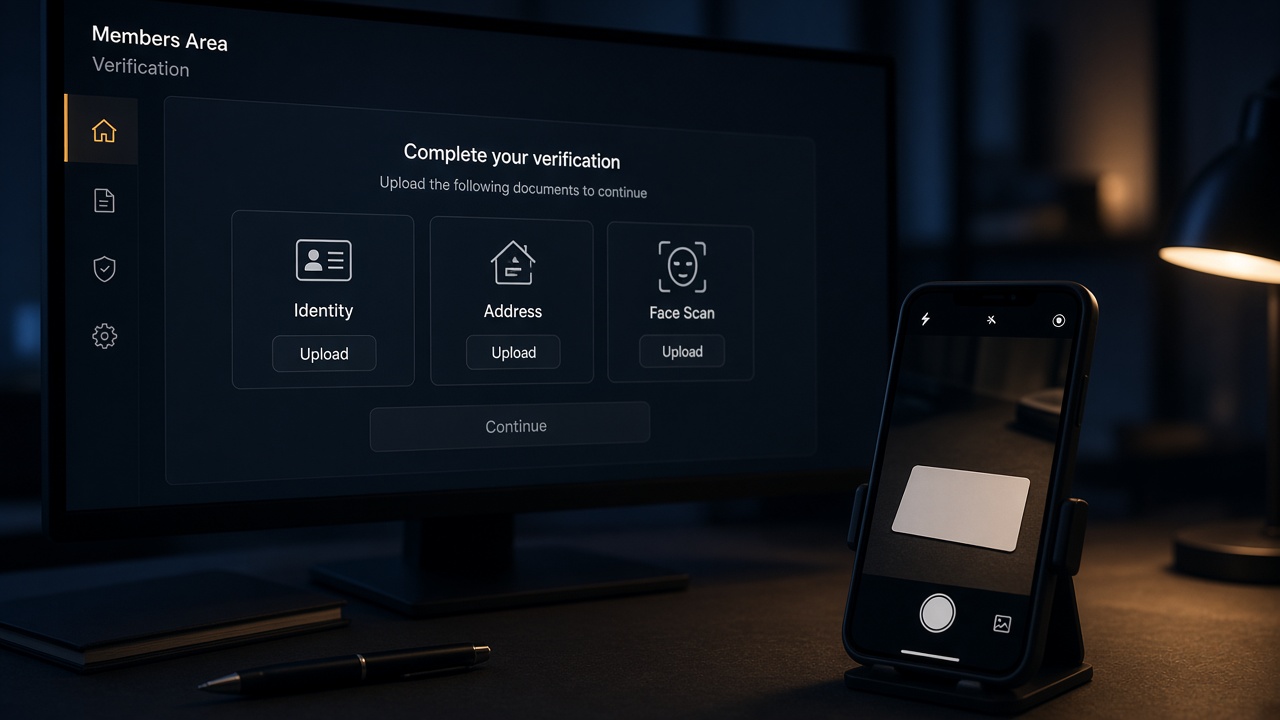
XM creates your first live trading account as soon as the profile exists. You still have to verify that profile before you can fund and trade. Start from our Open account link so the profile is attached to our IB. If a screen looks different, follow XM’s own Members Area and contact us about the partner link.
Checked against the live register form on xm.com/register/profile-account on 22 October 2026. The form lists Country of residence, Email, Password, and Have a partner or referral code? Enter here. Account types and the $30 minimum match our XM catalog from the 21 October 2026 rate sheet (Standard, Micro, Ultra Low — there is no Zero row on that sheet). Spreads on that sheet are in points, not pips.
XMTrading’s public notes describe the first live account and the ID / selfie / residence flow. That is a different XM entity from the catalog we pay rebates on. Use our list for account types and cashback; confirm products and leverage on the XM site for your country.
Before you start
- An email you actually check. XM sends login and document requests there.
- A phone for SMS codes during verification.
- Proof of identity: a valid passport, national ID or driving licence. Photograph all four corners; glare hides letters.
- Proof of residence in your own name, matching the address you will type (bank statement or utility bill). XMTrading asks for Proof of Residence as well as ID.
- A way to take a selfie when XM asks for it.
XM serves several regulated entities. Your country of residence decides which one you get, and which products and leverage you can use. Confirm on XM’s site that your country is accepted before you submit.
Step 1: Start from our link
Press Open account and stay in the same browser until the profile is created. Rates and the IB ID are on the XM page and setup page.
Step 2: Register the profile
Choose your country of residence, then enter your email and a password.
If the form shows Have a partner or referral code?, press Enter here and type our IB ID from the setup page before you submit. Starting from our link still matters if the field is empty: the referral is recorded when the profile is created.
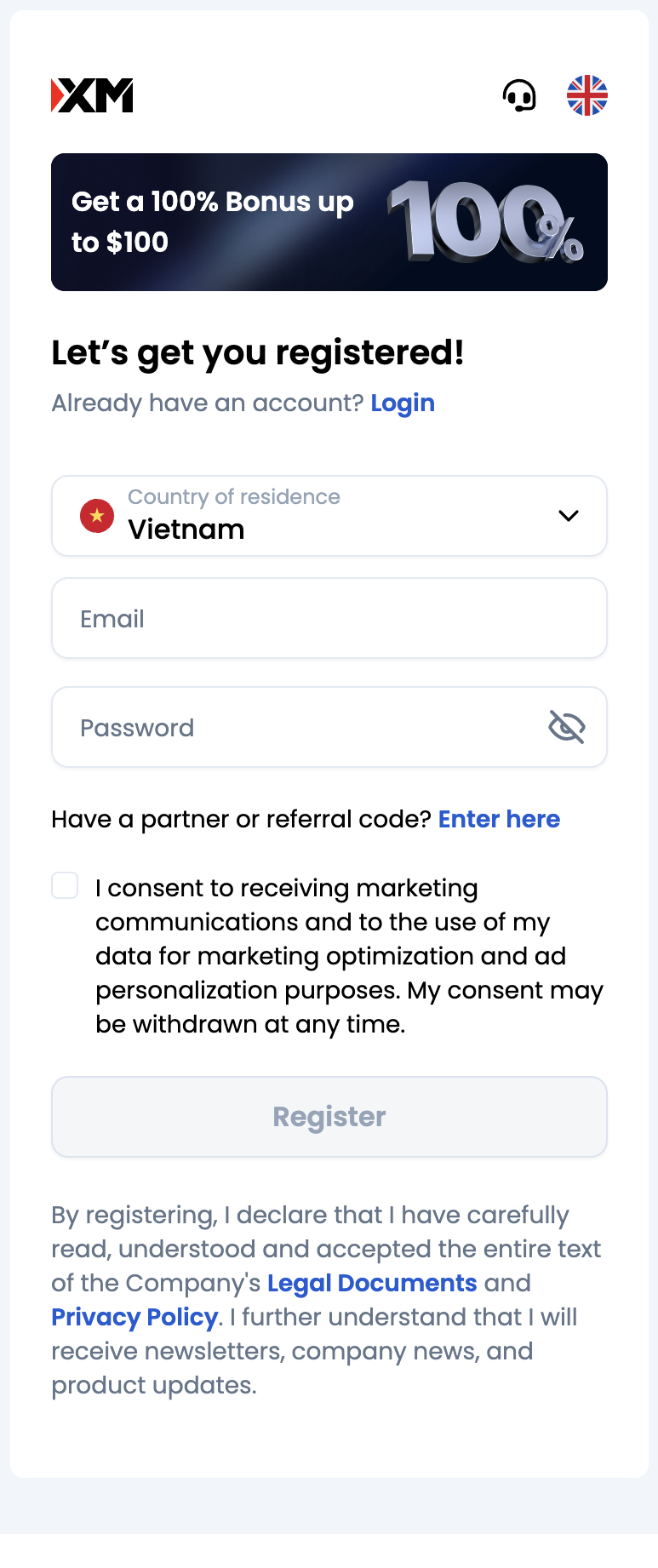
Submit the form. XM emails a confirmation; check spam if it is not in the inbox.
Step 3: The first live account is created for you
XMTrading states that the first real account is generated automatically when the profile is created. The default they publish is:
- Account type: Standard
- Leverage: 1000:1
- Base currency: USD
Those defaults can differ by entity. If you want Micro or Ultra Low instead, wait until the profile is verified, then open an additional real account from the Members Area (or the XM app).
You cannot fund or trade live until verification is done.
Step 4: Verify identity, selfie and residence
Log in to the Members Area. Complete the profile XM asks for (personal details, tax and financial questions, phone code if shown).
For a new client, XMTrading’s verification flow is:
- Take a live photo of your proof of identity, or upload a copy through the camera interface.
- Take a selfie.
- Upload Proof of Residence in the dedicated section.
Name, date of birth and address must match the documents. If XM still needs a file, use the Members Area document upload for Proof of Identity or Proof of Residency.
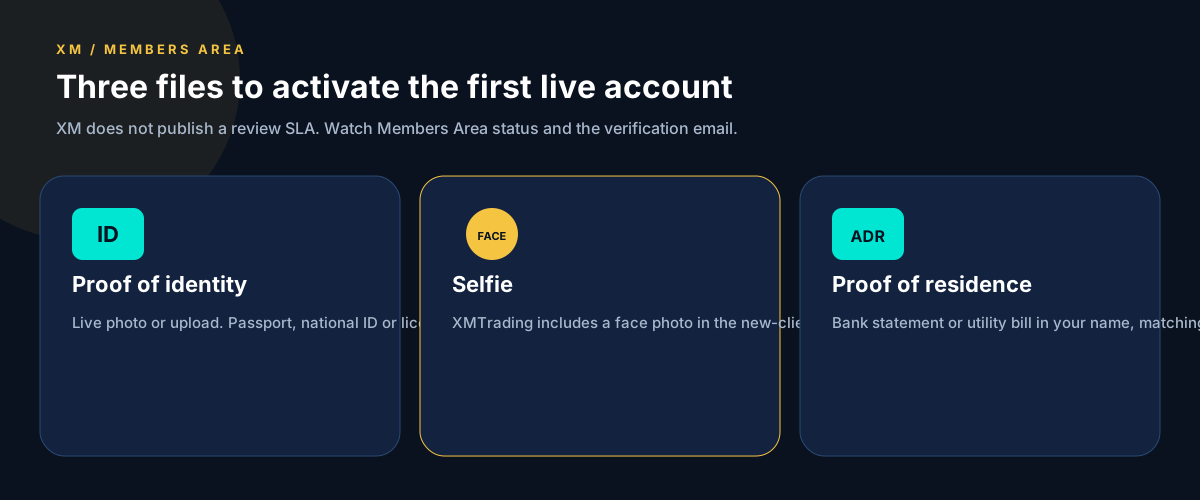
XM does not publish a public SLA for how long review takes. Keep an eye on the Members Area status and the email XM sends when the profile is verified. Additional real accounts after that do not need the documents again.
Step 5: Fund the account type you will trade
Deposit from the Members Area with a method in your own name. On our catalog every listed XM account starts at $30 (confirm the amount XM shows you):
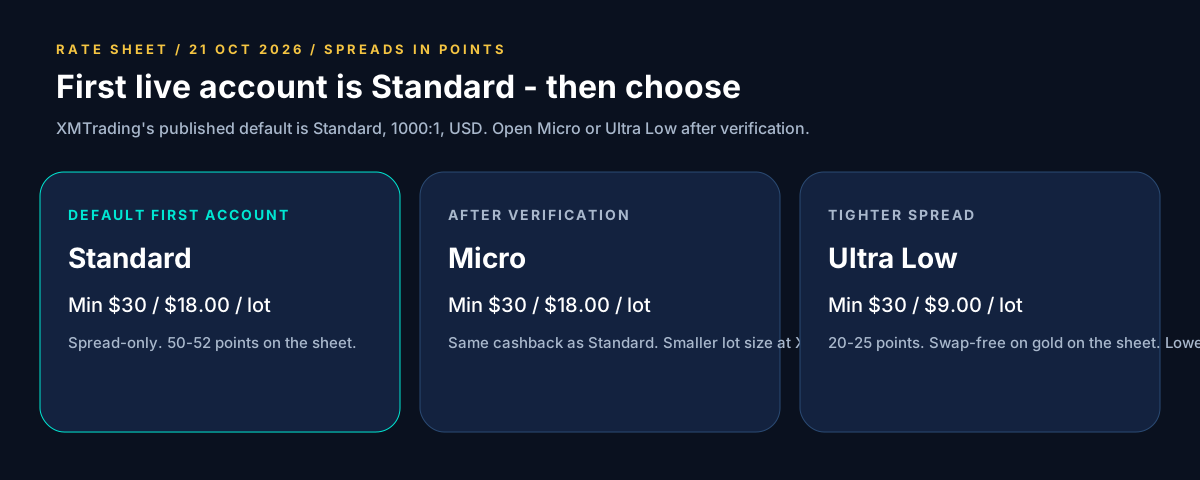
| Account type | Minimum (rate sheet) | Cashback on our list |
|---|---|---|
| Standard | $30 | $18.00 per lot |
| Micro | $30 | $18.00 per lot |
| Ultra Low | $30 | $9.00 per lot. Spreads 20–25 points. Swap-free on gold on the sheet. |
Platforms: MT4, MT5, XM app. Compare the live rebate row on the XM page before you choose Ultra Low for the tighter spread: the cashback per lot is lower.
Step 6: Send us the trading account number
Send us the XM trading account number so we can confirm IB tracking before you trade size. We never ask for the Members Area or platform password.
Already have an XM account?
An XM profile is normally tied to one partner from registration. Ask XM support whether they can move it to our IB. If they cannot, open a new profile through our link (XM may require a different email). See rebates on an existing broker account.
Next steps
Run the rebate calculator, then open the account. Rebates follow the volume you trade, win or lose. Leveraged products can lose more than your deposit; read the risk disclosure.